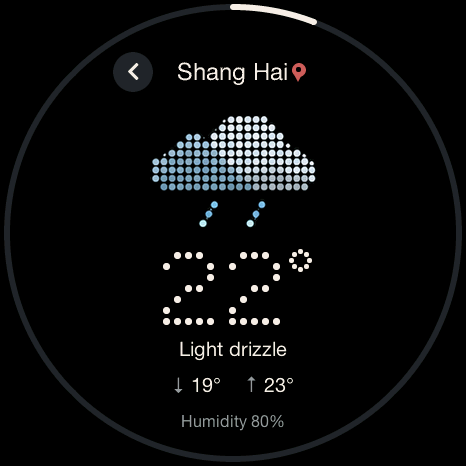
Everyday essentials.
Weather · Calendar · Timer · Stopwatch
Settings · OTA updates
Check the weather. Time your focus.
Keep everyday things within reach.
Made for a 1.75-inch round AMOLED.
Time, tools and a little inspiration, all on one screen.
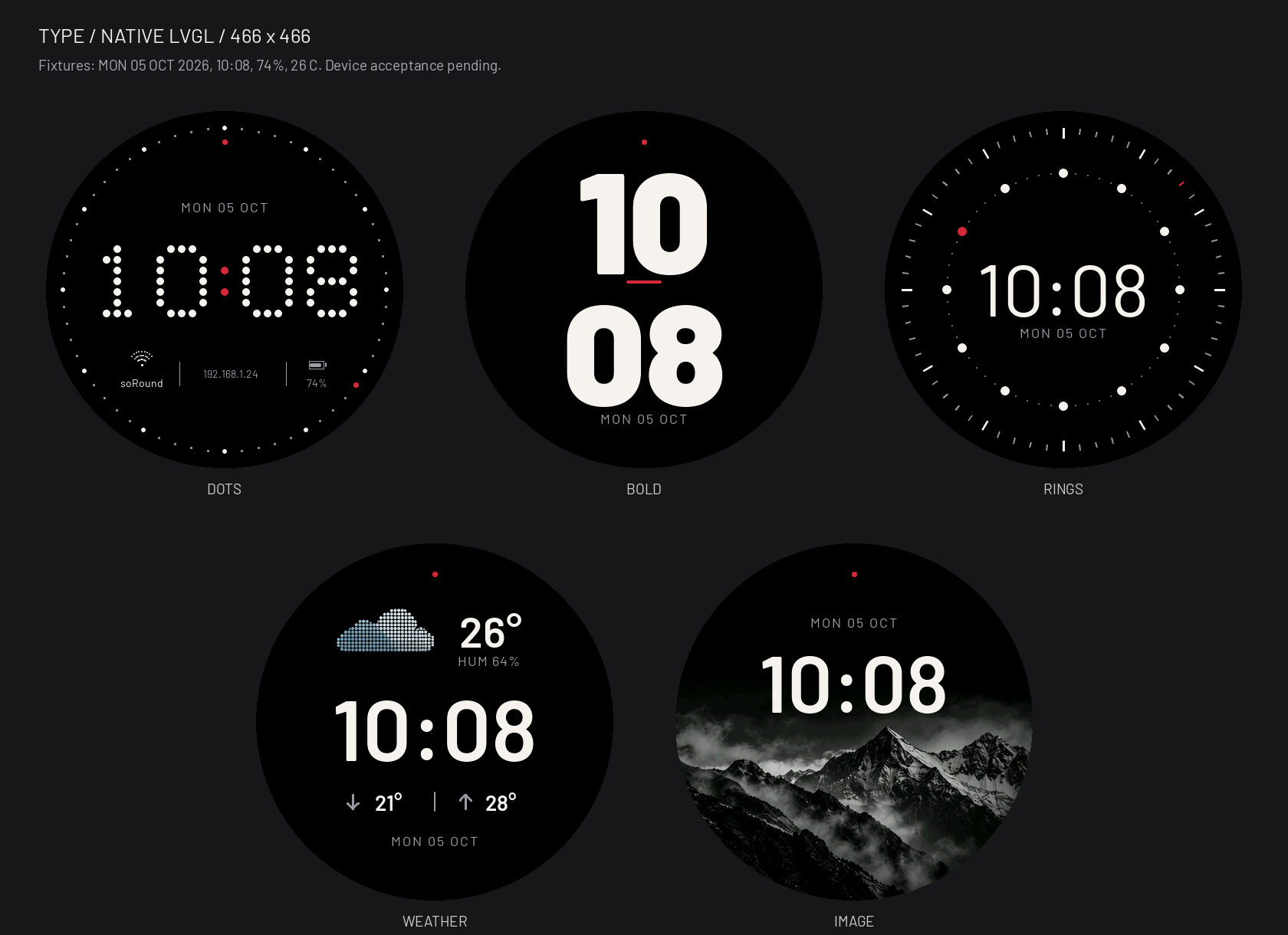
Five visual styles. 62 watch faces.
Give time a look of its own.
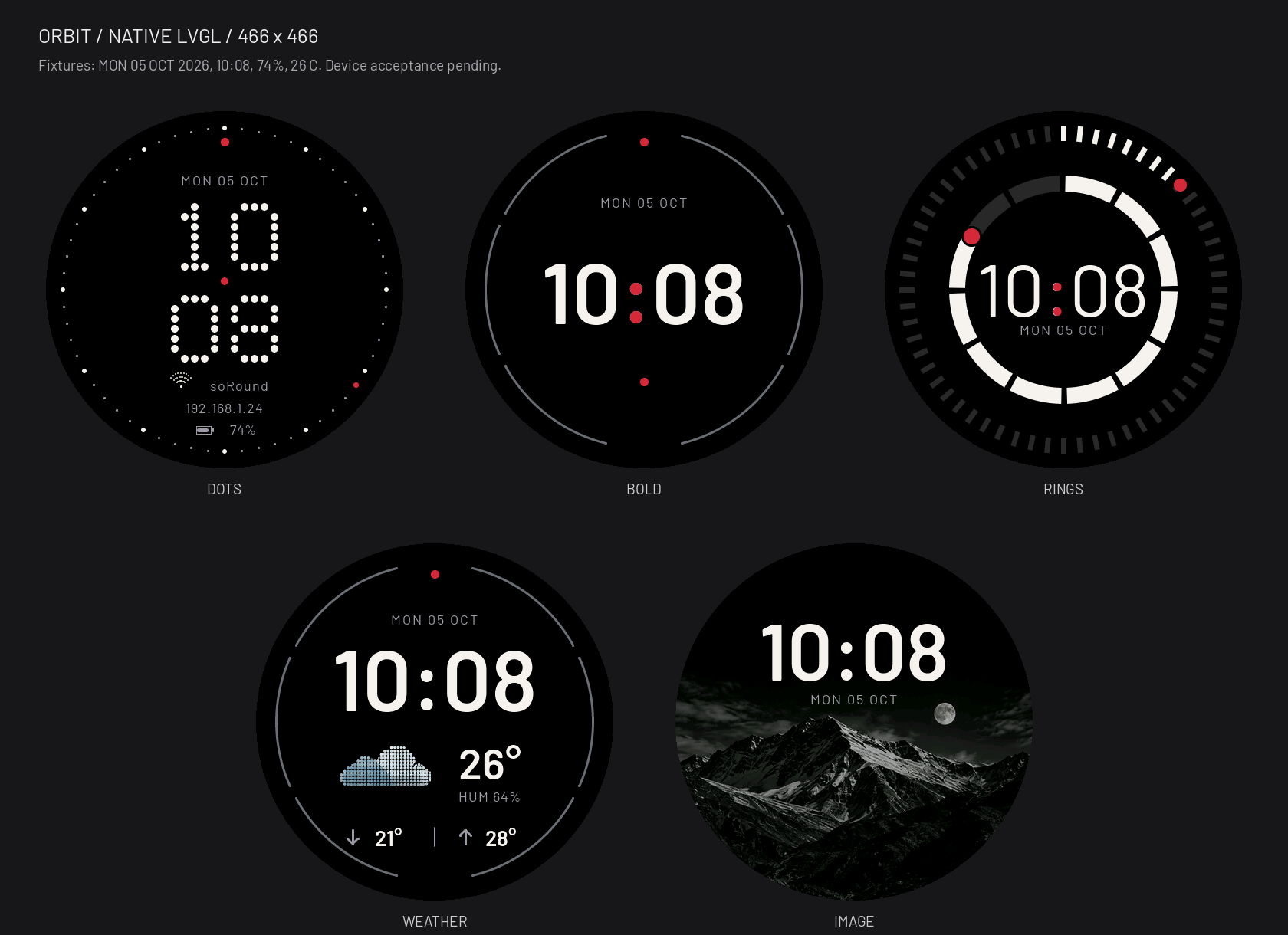
Circular markers put time back in orbit.
Native UI renders with sample data, rather than live device readings.
The preview could not load. Try another theme or reload the page.
Browse by collection. Choose a face for a closer look.
The current beta includes all 62 faces, with 32 new additions. Existing IDs and saved selection are retained. Choose faces directly from the launcher or through Settings. Beta.36 remains withdrawn; do not install it.Read the current beta release notes
Every image comes from the native firmware renderer. STUDIO uses black backgrounds. These are not device photos or frame-rate evidence; installation of this public image still awaits device verification.
Weather · Calendar · Timer · Stopwatch
Settings · OTA updates
Check the weather. Time your focus.
Keep everyday things within reach.
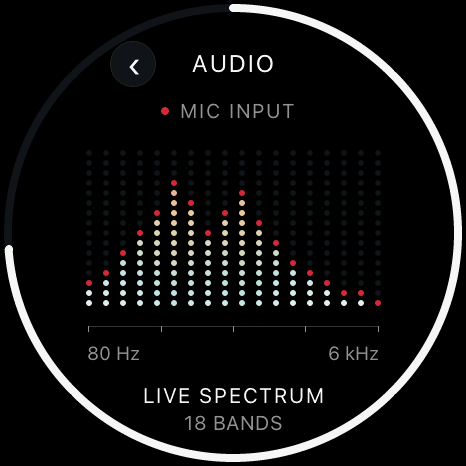
Wi-Fi · I2C · System info
Audio · Level · Bluetooth remote · Digital twin
See sound. Sense orientation.
Or use it as a Bluetooth remote for your computer.
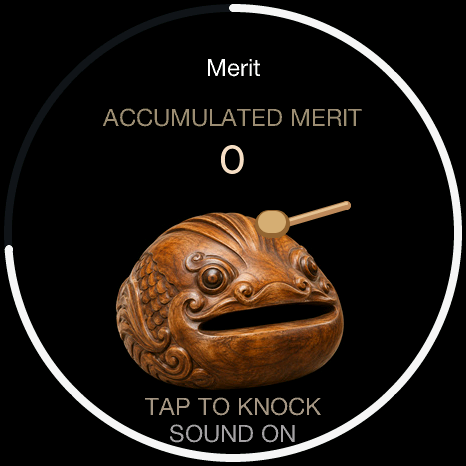
Maze · Fluid · Dice & coin
Book of Answers · Horoscope · Wooden Fish
Find an answer. Tap the wooden fish.
Make a little room for play.
These app previews reflect v1.7 stable. For changes, see the release notes.
24 built-in apps. Explore 19 selected interfaces.
Pick one and see what fits inside the circle.
The app preview could not load. Choose another app or reload the page.
Colored dot-matrix weather, daily forecasts and more detail. Take a look before heading out.
Images are rendered from the firmware's LVGL UI with fixed weather, date, network and sensor samples. Interactions happen on the device.
One board. One initial flash.
Your soRound starts here.
Waveshare ESP32-S3-Touch-AMOLED-1.75C
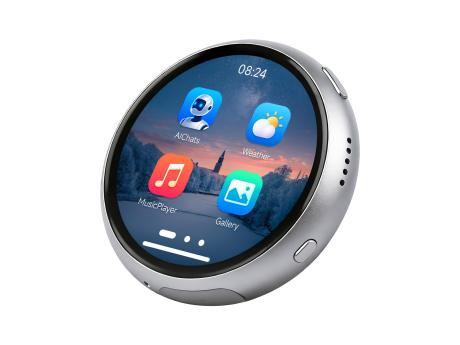
Designed for the 1.75C model. Check your hardware first.
Use USB for the initial flash. Follow the full setup guide.
Connect to Wi-Fi and check for updates in the device's OTA app.
The current beta requires two 8 MiB app slots. Recording storage needs separate initialization; normal OTA does not migrate or format partitions. Before updating, read the partition notes. A Release app image does not replace the full initial flash.